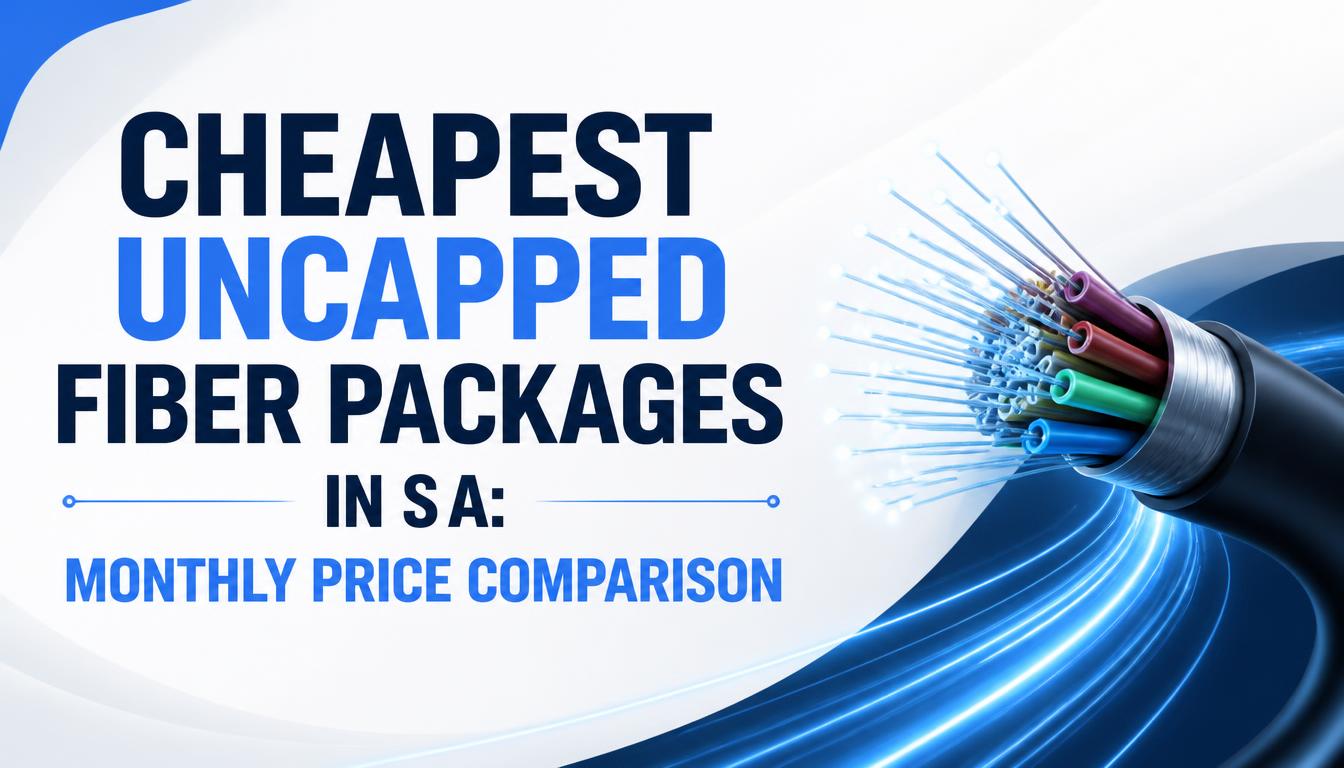
Finding cheap uncapped fibre in South Africa often feels like navigating a minefield. One ISP advertises an entry-level package for R299 a month, while another quotes R549 for what looks like the exact same 20 Mbps line.
Understanding why these price gaps exist comes down to how fibre infrastructure works in SA. Unlike fixed 5G or older ADSL, Internet Service Providers (ISPs) like Afrihost, Webafrica, and Vox do not own the optical cables underground. Those cables belong to Fibre Network Operators (FNOs)—the likes of Vumatel, Openserve, Frogfoot, Octotel, and Evotel.
The ISP is simply the middleman billing you, routing your traffic, and handling customer support. Because each FNO charges different wholesale rental fees to the ISP, your monthly bill is heavily determined by which operator dug up the pavement outside your gate.
In this guide, we break down current pricing for uncapped fibre across major networks, expose fine print like clawback clauses, evaluate speed requirements for real-world households, and detail what happens during loadshedding.
1. Current Price Comparison: Entry-Level & Mid-Tier Uncapped Fibre
Fibre prices vary depending on your specific address and local network operator. The table below reflects current market rates across major South African ISPs and FNOs:
| Provider / ISP | Fibre Network (FNO) | Tier / Speed (Down/Up) | Estimated Monthly Price (ZAR) | Key Fine Print & Terms |
| RSAWEB | Vuma Reach | Entry (10/10 Mbps) | R275 – R299 | Prepaid model; no long-term contract or cancellation fees. |
| Webafrica | Vuma Reach / Openreach | Entry (10/5 Mbps) | R319 | Free installation; includes free-to-use router. |
| Axxess | Evotel | Entry (10/10 Mbps) | R335 | Free installation and connection on selected lines. |
| Webafrica | Frogfoot / MetroFibre | Entry (20/10 Mbps) | R429 | First 2 months discounted on select promos; 1-month notice. |
| RSAWEB | Openserve | Mid-Tier (40/20 Mbps) | R435 | Includes free installation and setup. |
| Vox | Multiple FNOs | Entry (25/10 Mbps) | R435 | Pricing depends on address; free-to-use Wi-Fi router included. |
| Cell C Fibre | Openserve / Vumatel | Entry (30/30 Mbps) | R469 | Uncapped and unthrottled; promo discounts apply. |
| Afrihost | Openserve | Mid-Tier (50/25 Mbps) | R549 – R599 | No contract; auto-setup; 1-month clawback policy. |
Note: Prices fluctuate based on promotional runs and address-specific line costs. Always run your exact physical address through the ISP’s coverage map prior to ordering to view final pricing.
2. Uncapped, Unthrottled, or Unshaped: What Do They Actually Mean?
“Uncapped” marketing in South Africa can mean different things depending on the terms. Here is how ISPs define these terms in practice:
-
Uncapped: You receive an unlimited volume of data each month without hard data caps.
-
Unthrottled: The ISP promises not to slow down your baseline connection speed (e.g., dropping a 50 Mbps line to 2 Mbps) after you hit an arbitrary data threshold (such as 500GB or 1TB).
-
Unshaped: The ISP does not prioritize certain internet protocols over others. On shaped networks, video streaming and web browsing are prioritized, while torrenting (P2P downloading) or online gaming traffic is slowed down during peak hours (6 PM – 10 PM).
Fair Usage Policies (FUP)
While most premium residential fibre packages on Openserve or Vumatel are truly unthrottled and unshaped, lower-cost “prepaid” or entry-level tiers (like Vuma Reach or basic Frogfoot Air packages) often feature a Fair Usage Policy (FUP).
Under an FUP, if a home downloads 2TB of data in 15 days, the ISP may throttle the line speed during peak hours to preserve network capacity for surrounding neighbors. If you run home servers or download massive game updates regularly, confirm that the package is explicitly marked Unthrottled.
3. The Fine Print: Free Routers, Installation Fees, and “Clawback” Clauses
One of the most common surprises for South African internet consumers is the clawback clause.
ISPs often market deals as “Free Setup & Free Wi-Fi Router Worth R2,500!” While the upfront cost is R0, the ISP covers that fee with the FNO on the assumption that you will stay connected for a minimum period (usually 6 to 12 months).
How Clawbacks Work
If you sign up for a month-to-month contract and decide to cancel or move after 3 months, the ISP will issue a final invoice to recover the installation, activation, and router costs they paid on your behalf. Depending on the network operator, this clawback charge can range between R999 and R2,800.
Free-to-Use Routers
The router provided with standard packages is typically a “free-to-use” model. It remains the property of the ISP. If you cancel your account, you must return the router in its original box within 14 to 30 days, or face a non-return hardware charge (typically R800 – R1,500).
4. Selecting the Right Speed for Your Household
Choosing a line speed depends on household size, connected devices, and usage patterns:
10 Mbps – 20 Mbps: Budget / Single Person
-
Best for: 1 to 2 users handling general browsing, WhatsApp calls, and high-definition (1080p) streaming on a single TV.
-
Limitations: Downloading large updates (e.g., a 50GB PlayStation file) takes 6 to 10 hours. Simultaneous 4K streaming will cause buffering.
30 Mbps – 50 Mbps: The Sweet Spot for Small Families
-
Best for: 3 to 4 users. Supports two simultaneous 4K Netflix streams, active Remote Work / Zoom calls, and social media usage without performance drops.
-
Why it works: Provides adequate headroom for daily tasks without overpaying for unused bandwidth.
100 Mbps+: Power Users & Multi-Generational Homes
-
Best for: Large households, heavy online gaming, frequent large-file downloads, and multiple users streaming 4K video at the same time.
-
Considerations: Requires a high-performance router (Wi-Fi 5 or Wi-Fi 6 with Gigabit Ethernet ports) to fully utilize the available speed across the house.
5. Loadshedding & Power Outages: Keeping Fibre Online
A common misconception is that fibre internet stops working during power outages. Fibre cables transmit data using pulses of light through glass strands, meaning the physical infrastructure underground does not require municipal grid power to transfer data.
However, keeping your connection active during loadshedding requires two things:
-
The FNO Exchange Box: Major network operators (like Openserve, Vumatel, and Frogfoot) equip their neighborhood street cabinets and exchanges with backup generators and lithium-ion battery banks.
-
Home Power Backup: You need to keep both your ONT box (the small fibre modem on the wall) and your Wi-Fi Router powered simultaneously.
Keeping Your Setup Powered
Because the ONT box and Wi-Fi router run on low DC voltage (typically 9V or 12V), you do not need a full home inverter to stay online. A Mini DC UPS costing between R400 and R800 can connect directly to both units and keep them powered for 3 to 5 hours during power outages.
What ISP and Fibre Network Are You Running?
Every neighborhood experience differs. An ISP that offers low latency and quick support on Openserve in Cape Town might perform differently on a different network elsewhere.
Which ISP and Fibre Network Operator (FNO) are you currently using, what real-world speeds are you getting, and how do they handle customer support when issues arise? Let us know in the comments below!

Joseph Mathebula is a consumer analyst and market researcher at Prices in South Africa. He specializes in tracking local service costs, retail pricing, and travel budgets, helping everyday shoppers navigate the market to secure the best value.